Introduction
Picking the perfect Windows operating system can be daunting given the multitude of choices available today. Each version boasts distinct features, varying levels of compatibility, and performance metrics that can significantly impact your digital experience. For gamers, professionals, or everyday users, the right OS can make a big difference in productivity, security, and enjoyment.
This comprehensive guide delves into the most popular Windows operating systems of 2024. Our goal is to help you determine which version best aligns with your needs, ensuring you make an informed decision.
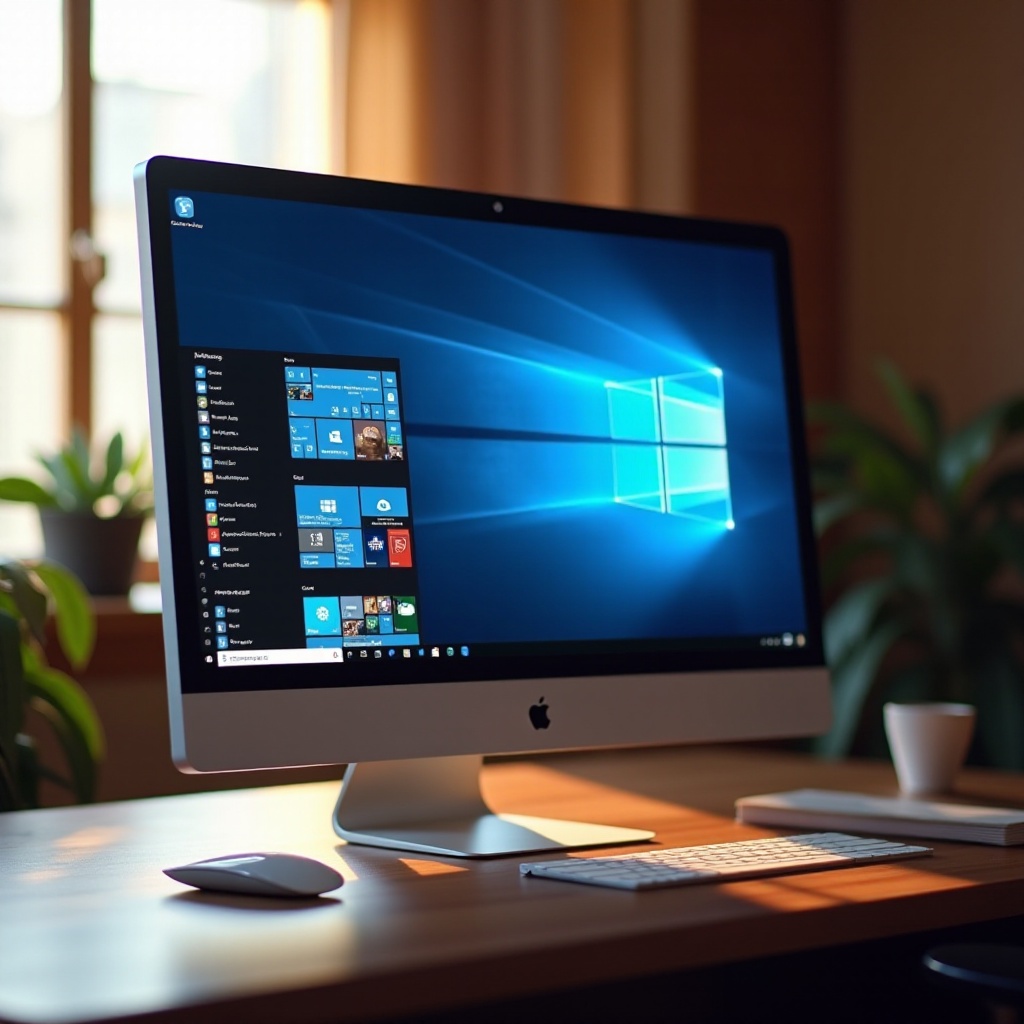
Windows 11: The Latest and Greatest
Windows 11 takes a leap forward with its sleek interface and powerful features. The updated Start menu, integrated Android apps, and enhanced virtual desktops highlight its innovative approach. If multitasking is your priority, Windows 11 offers features like Snap Layouts and Snap Groups to maintain organized windows.
Despite its appealing improvements, Windows 11 requires more robust hardware. It demands a compatible 64-bit processor, at least 4GB of RAM, and 64GB of storage. These requirements ensure peak performance but may necessitate upgrades for older systems.
Gamers and creative professionals will appreciate Windows 11’s focus on high-performance computing. Its Auto HDR feature elevates visuals, while DirectStorage slashes load times, making it ideal for an immersive experience.
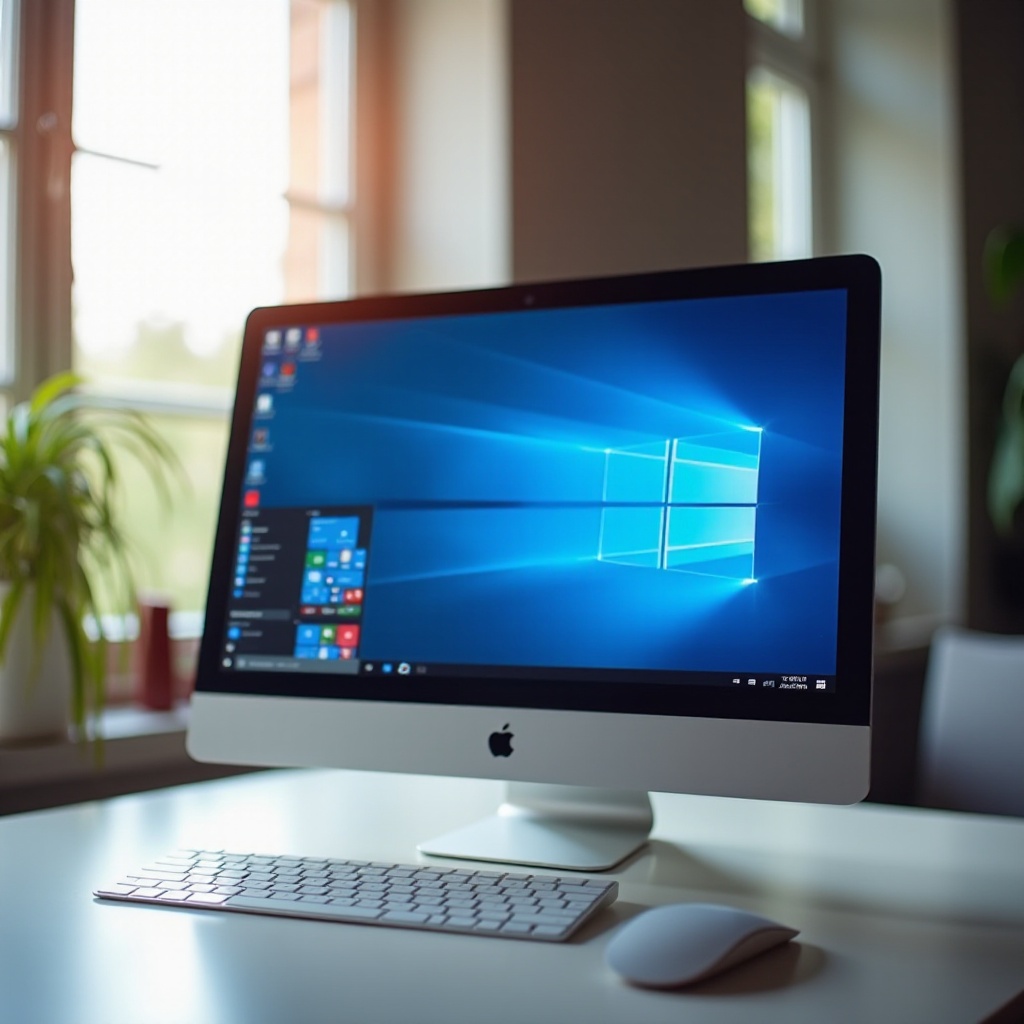
Windows 10: Still a Contender in 2024
Windows 10 remains a strong choice, backed by reliable performance and consistent updates. Its user-friendly interface and ability to support older software make it a dependable option for numerous users.
Security is a strong suit for Windows 10, featuring enhancements like Windows Defender ATP and Secure Boot to guard against modern threats. These security features ensure data safety without sacrificing accessibility or usability.
Windows 10’s broad compatibility with older hardware offers a cost-effective solution for many, particularly as it remains functional on devices that might not meet Windows 11’s rigorous requirements.
Windows Server 2022: For Business Use
For businesses, Windows Server 2022 stands out with its robust capabilities and reliable performance. Its ability to integrate with Azure in hybrid environments supports seamless cloud migrations, aligning with contemporary business models.
Key features like secured-core server and encrypted DNS queries enhance security, safeguarding sensitive business data from potential threats. Businesses enjoy minimized downtime thanks to advanced storage migration services and broad application compatibility.
Windows Server 2022 meets the demands of complex IT environments, providing a solid framework for enterprise operations and ensuring stability.
Specialized Windows Editions for Specific Needs
Microsoft offers specialized editions catering to unique requirements. Windows 10 Education and Windows 11 Education provide secure, adaptable platforms for educational settings.
Windows 10 S and Windows 11 S focus on security and streamlined performance by supporting only Microsoft Store apps. These editions are perfect for controlled environments like schools or libraries, where simplicity and security are paramount.
Although these editions serve targeted sectors, they deliver immense value, striking the right balance between security, performance, and cost-effectiveness.
Performance and Compatibility: Key Considerations
Performance and compatibility significantly influence the choice of a Windows operating system. Upgrading to the latest OS may mean better performance but also necessitates checking hardware compatibility.
Windows 11’s advanced features require hardware upgrades for optimal operation. Ensuring your system meets these requirements guarantees smooth functionality.
Compatibility with software, peripherals, and devices should guide your OS decision. Conduct thorough testing and benchmarking to identify software needing updates or alternatives, ensuring seamless integration.
Cost and Licensing: Making an Informed Decision
When evaluating costs, consider not only the OS purchase price but also the total cost of ownership, including potential hardware upgrades necessary for compatibility. Windows 11’s requirements might mean investing in new hardware, impacting your overall budget.
Windows OS offers a range of licensing options, tailored for individuals and enterprises. Exploring these options helps identify a cost-effective path that aligns with your financial constraints and usage needs.
By weighing costs against features and benefits, you can make a well-informed decision that satisfies both financial and functional requirements.
Conclusion
In the quest for the ideal Windows operating system in 2024, understanding your needs is crucial. Whether your focus is on gaming, business, or education, each version presents unique advantages. Windows 11 appeals with its advanced features, while Windows 10 offers reliable support for older devices.
Balancing performance, compatibility, and cost will guide you in making an informed decision, ensuring your choice of OS supports your activities and enhances your digital journey.
Frequently Asked Questions
What is the best Windows OS for gaming in 2024?
Windows 11 is ideal for gaming with its DirectStorage and Auto HDR features, offering faster load times and superior visuals.
How do I choose between Windows 10 and Windows 11?
Consider your hardware compatibility and desired features. Windows 11 requires newer hardware, while Windows 10 is compatible with a broader range of older devices.
Are there specific Windows editions for education or business?
Yes, Windows 10 Education and Windows 11 Education are tailored for schools, while Windows Server 2022 is designed for business environments.