Introduction
Upgrading your home entertainment system requires more than just a high-resolution screen. The sound quality plays a critical role in the viewing experience. Built-in TV speakers often fail to deliver immersive audio, which is where a sound bar for a wall-mounted TV comes in. Sound bars can transform your media room by providing clearer, more vibrant audio, making them a key component in any home theater setup. This guide explores how to select the ideal sound bar to complement your wall-mounted TV, offering expert recommendations and installation insights.
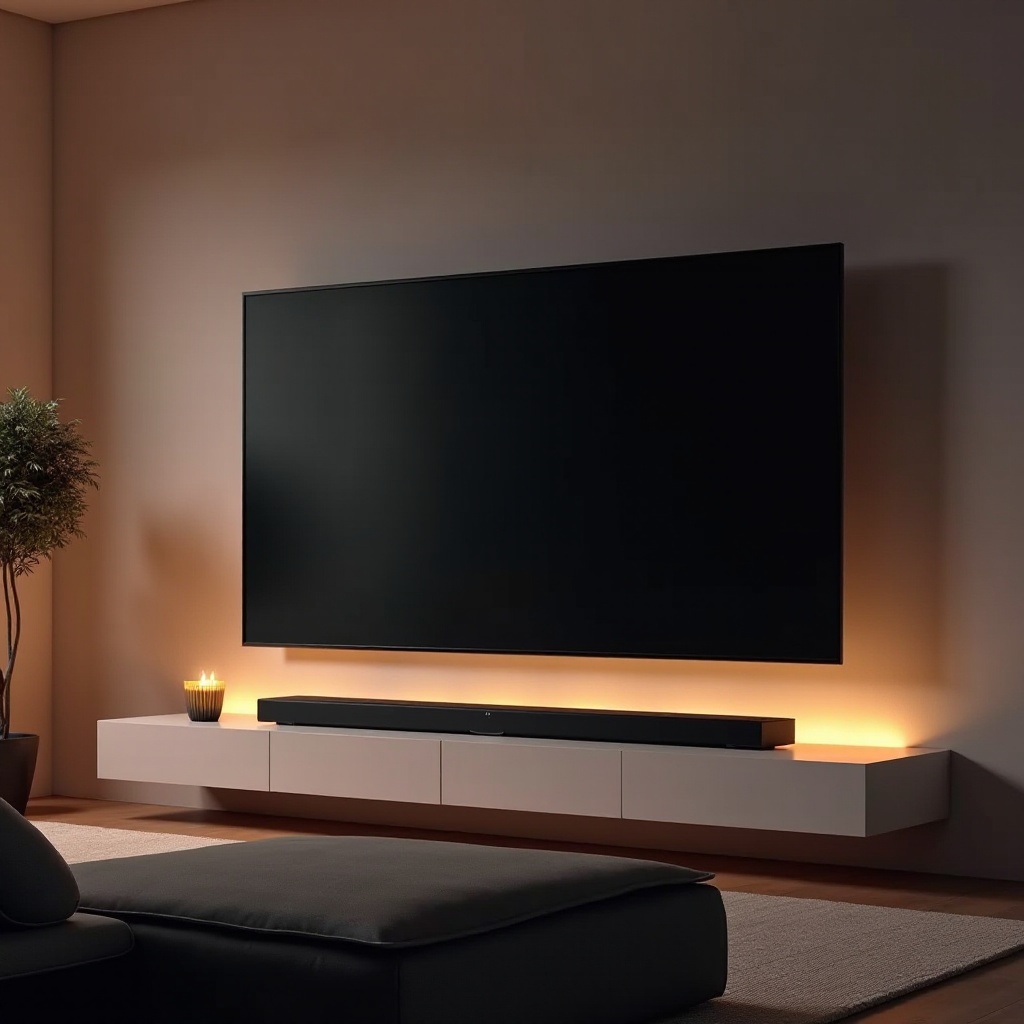
Understanding Sound Bars
Sound bars are designed to be sleek and powerful, producing superior audio while maintaining a minimalist design. They’re especially well-suited for wall-mounted TVs, as they eliminate the need for multiple cumbersome speakers.
What is a Sound Bar?
A sound bar combines multiple speaker channels in one elegant device, enabling it to deliver a range of sound effects from lows to highs without extra equipment. It’s a streamlined solution that provides substantial audio enhancement over typical TV speakers.
Why Choose a Sound Bar Over Traditional Speakers?
Sound bars offer several advantages:
– Space-Saving: Ideal for compact spaces and minimalistic setups.
– Simple Setup: Requires minimal wiring and integrates easily with your TV.
– Modern Aesthetic: Complements contemporary home designs.
Key Features to Consider in 2024
When selecting a sound bar, understanding the various features available can drastically improve your audio experience. From sound quality to design, each aspect can impact your overall enjoyment.
Audio Quality and Channel Configuration
Good sound quality is crucial. Channels (like 2.1 or 5.1) determine how sound travels and envelopes your room. A higher number of channels generally creates a more immersive experience by better simulating surround sound.
Connectivity Options
Check for compatibility with your TV and other devices. Essential connections include HDMI ARC for high-quality audio and ease of use, optical inputs, and Bluetooth/Wi-Fi for wireless streaming from phones or tablets.
Size and Design Integration
Aligning the sound bar’s size with your TV setup harmonizes your room’s look. The sound bar should be wide enough to complement your TV and match your room’s space, enhancing aesthetic appeal.
Top Sound Bars for Wall Mounted TVs in 2024
Selecting the right sound bar depends on your priorities—whether it’s budget, advanced features, or connectivity. Here are some top picks.
Budget-Friendly Options
For those mindful of price without compromising sound quality, consider:
– Yamaha YAS-109: A solid choice with built-in Alexa and virtual surround sound features.
– Vizio V-Series 2.1: Offers a wireless subwoofer to boost bass and enhance your listening experience.
Premium Performance Picks
For the best sound experience, premium options include:
– Sonos Arc: Integrated with Dolby Atmos for superior audio precision and clarity.
– Bose Smart Soundbar 900: Features an auto-optimizing calibration system for perfect sound output based on room acoustics.
Smart Features and Compatibility
Sound bars with smart capabilities can seamlessly integrate with other smart home features:
– Samsung HW-Q950A: Comes with smart voice assistant integration and syncs with Samsung TVs for a unified sound experience.
– Sony HT-A7000: Offers smart home control and connects with other Sony speakers for a complete surround sound setup.
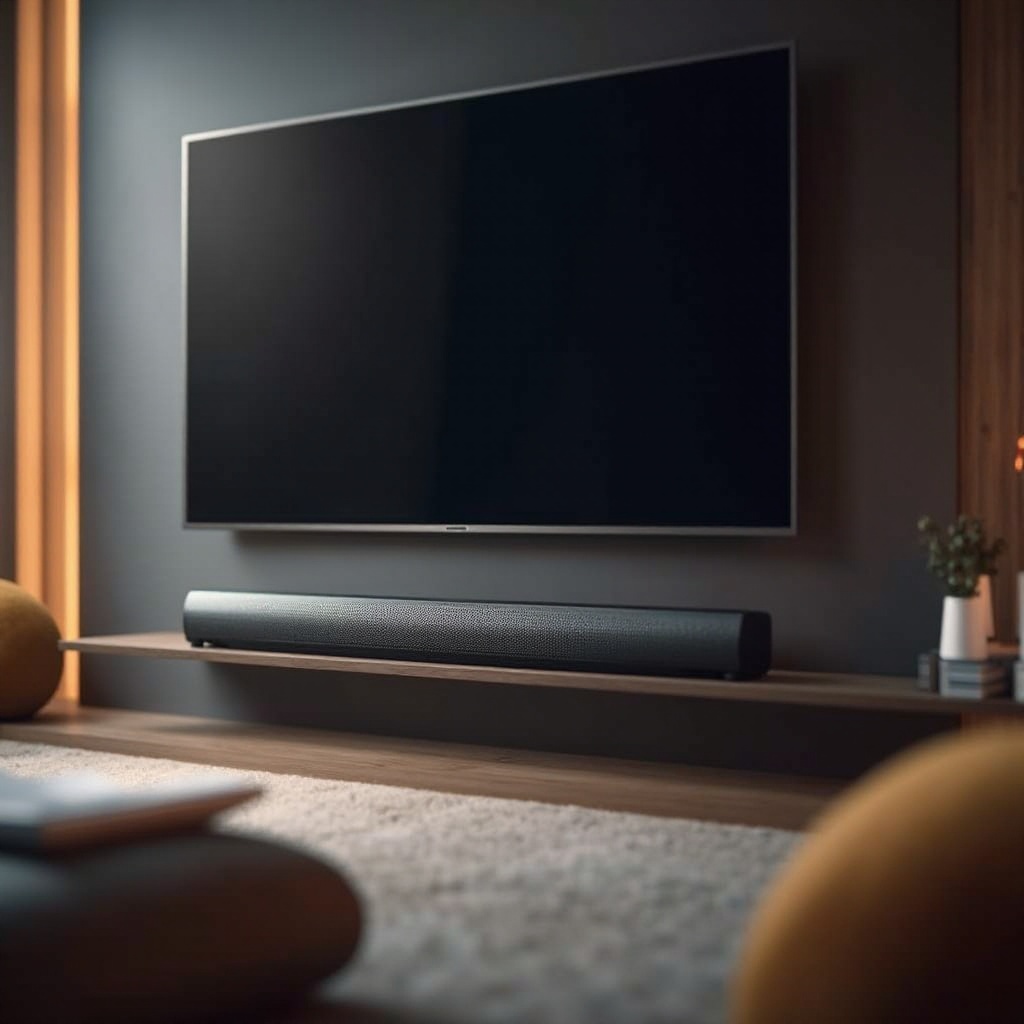
Installation Tips
To achieve optimal sound quality, correct installation is crucial. It involves determining the best placement and securing the setup effectively.
Positioning Your Sound Bar Correctly
- Place the sound bar directly below or above the TV to maintain a direct audio path.
- Avoid any obstructions that could block sound travel.
- Angle the sound bar slightly towards the sitting position for enhanced clarity.
Secure Mounting Techniques
- Use the appropriate mounting kit to fit the sound bar’s weight and length.
- Ensure that it is mounted on a stable surface, ideally fixed to wall studs for safety.
Ensuring Optimal Sound Performance
- Calibrate the sound bar using built-in or app-based settings to match your room’s acoustics.
- Regularly update firmware to improve digital sound processing features.
Enhancing the Audio Experience
For a truly cinematic experience, consider further enhancing your sound setup.
Configuring Sound Settings
Modern sound bars come with various sound modes suited for different types of content. Utilize modes like:
– Dialogue Enhancement: Improves voice clarity.
– Cinematic Sound: Boosts surround experience for movies.
Integrating Additional Audio Components
- Add external components like subwoofers for deeper bass.
- Connect additional satellite speakers if the sound bar supports expandable sound systems.
Conclusion
To enhance your home theater experience truly, selecting the right sound bar is essential. By focusing on features that matter and ensuring a seamless installation, you elevate your audio experience significantly. Whether it’s for movies, sports, or music, a well-chosen sound bar brings your content to life, making every viewing session more enjoyable and immersive.
Frequently Asked Questions
Can I use any sound bar with a wall-mounted TV?
Yes, most sound bars are compatible with wall-mounted TVs. Check for the right connectivity options with your TV model.
How do I connect my sound bar to my TV wirelessly?
Use Bluetooth or Wi-Fi if supported by both the TV and the sound bar for a seamless wireless connection.
Is a sound bar necessary for a small room?
Not essential, but a sound bar greatly enhances audio quality, providing clear and immersive sound even in smaller spaces.