Introduction
MacBook laptops are renowned for their elegant design and robust performance, but they are not immune to overheating, which can compromise both speed and longevity. A laptop cooler specifically designed for MacBooks can be a game-changer. By effectively managing heat, these devices prevent thermal throttling, allowing your MacBook to function smoothly. Throughout this guide, we will explore various cooling options, tips for choosing the best one, and practical advice for maintaining your device’s optimal temperature.
Understanding MacBook Overheating Issues
Overheating isn’t just an inconvenience; it can be detrimental to your MacBook’s hardware. Several factors contribute to this issue:
- Heavy Processing Loads: Running multiple intensive applications generates significant heat.
- Environmental Factors: Operating in a hot or poorly ventilated space can exacerbate overheating.
- Blocked Air Vents: Dust and debris can obstruct airflow, exacerbating the heat problem.
The consequences include reduced battery life, slower performance, and potential hardware failure. Recognizing these issues is critical in finding and implementing effective cooling solutions.
Types of Laptop Coolers for MacBooks
Choosing a cooler depends on your specific needs and how you use your MacBook:
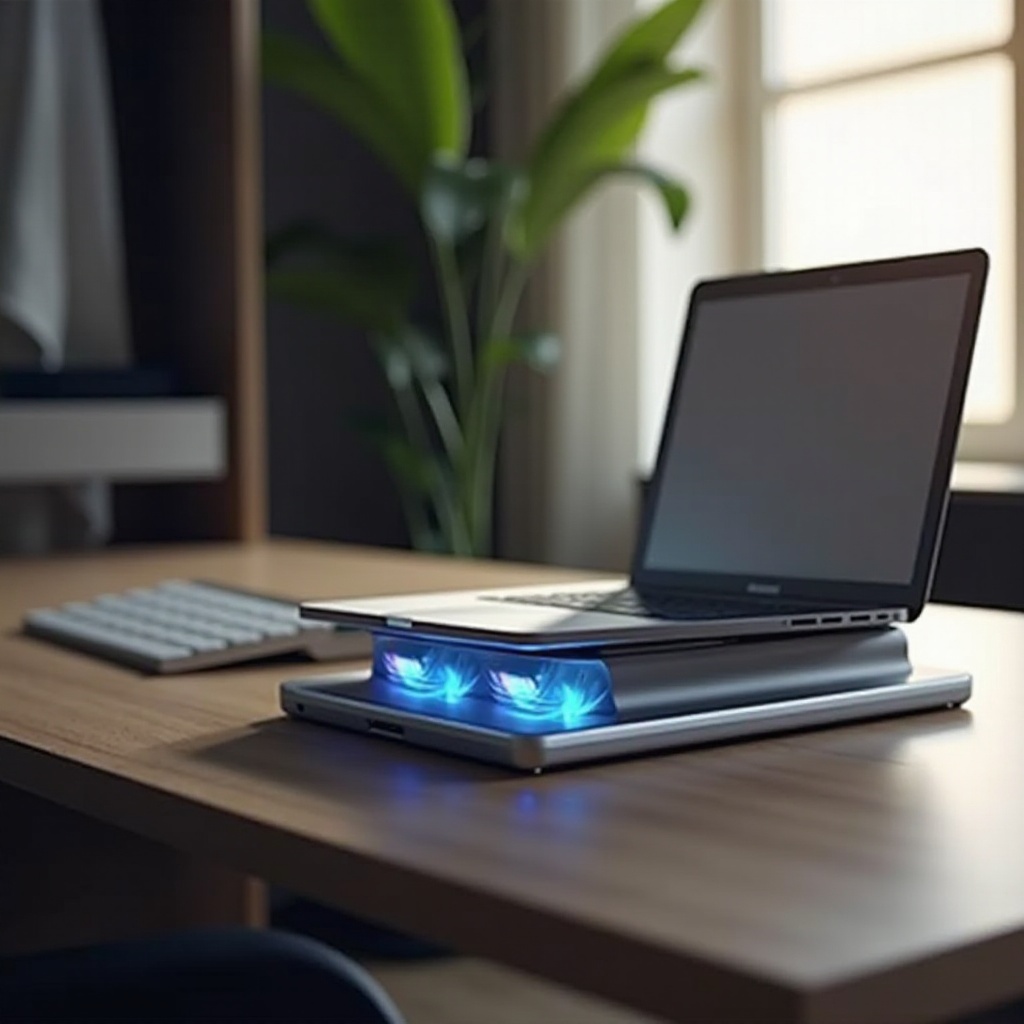
- Active Coolers: Equipped with fans to increase airflow, they are ideal for users who demand sustained performance during intensive tasks.
- Passive Coolers: Utilize materials that naturally dissipate heat. These are suitable for users requiring a simple and quiet solution.
- Innovative Cooling Technologies: Some coolers offer features like adjustable fan speeds, LED displays, and ergonomic designs to enhance comfort and efficacy.
Understanding these options will guide you in selecting the ideal cooler for your MacBook, ensuring continuous optimal operation.
Top 5 Laptop Coolers for MacBooks in 2024
Here are some standout coolers currently available that can effectively prevent overheating and maintain your MacBook’s performance:
- Cooler Master Notepal X3
- Features: Large 200mm fan, supports gaming laptops
- Pros: Excellent cooling performance, ergonomic design
-
Cons: Bulky for frequent travel
-
Thermaltake Massive 20 RGB
- Features: 200mm fan with customizable RGB lighting
- Pros: Eye-catching aesthetics, effective heat dissipation
-
Cons: Heavier compared to simpler models
-
Havit HV-F2056
- Features: Three high-speed fans, ultra-slim profile
- Pros: Quiet, portable, cost-effective
-
Cons: Lacks adjustable angles
-
Kootek Cooler Pad Chill Mat 5
- Features: Five powerful fans, adjustable height settings
- Pros: Versatile and efficient cooling
-
Cons: Not highly portable due to size
-
Targus Portable Chill Mat
- Features: Dual fans, lightweight build
- Pros: Quiet and truly portable
- Cons: Moderate cooling capabilities
These options illustrate the variety available to meet your cooling needs, all engineered to enhance your MacBook’s efficiency.
How to Choose the Best Laptop Cooler for Your MacBook
Choosing the perfect cooler involves weighing several factors according to your lifestyle and computing habits:
- Portability: Frequent travelers should prioritize lightweight and compact designs.
- Noise Level: Silent operation is crucial in quiet environments like libraries or meetings.
- Power Source: USB-powered models conserve battery, whereas others may need an external power source.
- Price and Value: Consider advanced features and align them with your specific needs for the best value.
A careful evaluation of these aspects alongside user reviews will ensure that you invest in a cooler that best suits your MacBook uses.
Maximizing the Efficiency of Your MacBook with Cooling Solutions
Once you have chosen a cooler, maximize its effectiveness by considering the following tips:
- Proper Installation: Ensure the cooler is correctly positioned to maintain optimal airflow, preventing pockets of trapped heat.
- Regular Maintenance: Clean the cooler and your MacBook’s vents regularly. Dust and debris can severely hinder cooling efficiency and airflow.
Applying these steps will allow your cooler to operate at peak capacity, ensuring your MacBook remains cool and high-performing.
DIY Tips for Keeping Your MacBook Cool
In addition to investing in a cooler, try these easy DIY methods to keep your MacBook running optimally:
- Elevate Your Device: Use a laptop stand or even a book to increase airflow beneath the MacBook.
- Avoid Soft Surfaces: Hard, flat surfaces allow better heat dissipation compared to blankets or cushions.
- Manage Software: Regularly check your Activity Monitor to close unnecessary applications and processes to minimize CPU load.
These practices can significantly enhance cooling efficiency, complementing your cooler’s performance and extending your laptop’s longevity.

Conclusion
Purchasing a laptop cooler for your MacBook is a wise investment to prevent overheating-related issues and ensure optimal performance. By choosing the appropriate device and incorporating these strategies, you safeguard not only your device’s operational efficiency but also its lifespan. Regular maintenance and proper usage of your cooler can result in maximum benefits, allowing your MacBook to function at its best for years to come.
Frequently Asked Questions
Do Laptop Coolers Really Work?
Yes, they can significantly reduce your MacBook’s temperature, preventing overheating and performance issues.
Can a Cooler Impact Battery Life?
Most coolers are designed to be energy efficient, so they should not significantly impact your battery life.
What’s the Best Way to Use a Laptop Cooler?
Ensure it is properly placed for optimal airflow, regularly clean it, and use it in conjunction with good device management practices.