Introduction
Hearing a clicking sound when you turn on your TV can be an unsettling experience. While initially alarming, this noise is a common issue that many TV owners face. Often, the clicking sound results from minor electrical hiccups within the device. However, understanding why your TV clicks when turning on is crucial for maintaining its longevity and ensuring it operates correctly. This blog will guide you through potential causes, DIY solutions, and when to call a professional, aiming to calm your concerns with actionable advice.
Understanding the Clicking Sound
When a TV powers on, it often emits a clicking noise associated with its electronic components engaging. Electrical appliances, including TVs, produce various sounds as they switch between operational states such as powering up or down. These clicks can originate from parts like capacitors or power relays, crucial for initializing the TV. It’s essential to discern whether these noises are a normal part of functionality or indicative of impending issues. Electrical components in TVs are intricate; while some noise is expected, persistent or loud clicks warrant further attention. Understanding these sounds helps clarify whether they are benign or require intervention.
Common Issues Leading to TV Clicking
Exploring the reasons behind this clicking noise can uncover several underlying issues:
Electrical Component Strain
Electrical components inside your TV, such as circuits and transformers, might be under strain, causing noise. Over time, wear and tear can amplify these sounds, often as capacitors age and fail to maintain their charge effectively.
Capacitor Problems
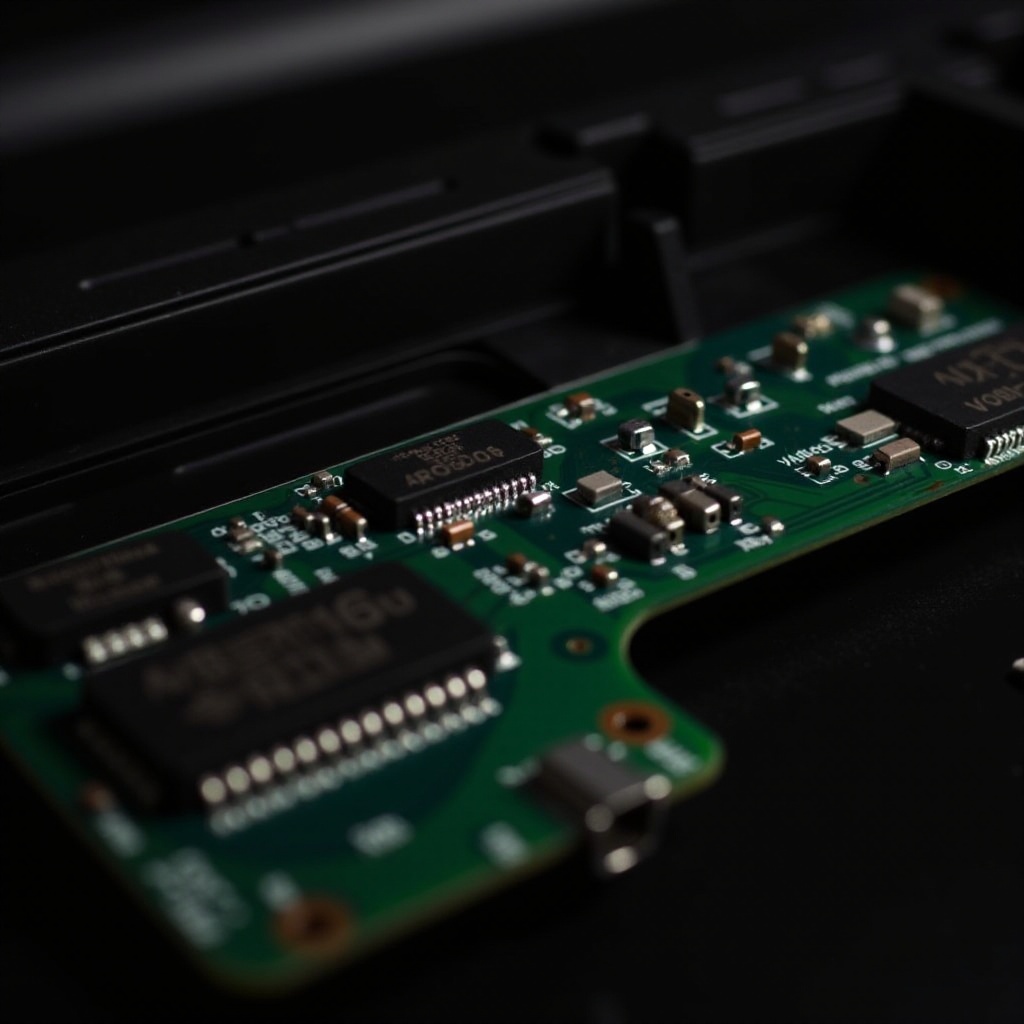
Capacitors store and regulate electricity within your TV. When they begin to degrade, they can produce clicking sounds due to disruption in the power flow or struggles in maintaining adequate voltage levels, often resulting in reattempts to power the device properly.
Power Supply Fluctuations
Instability in your home’s electrical supply can trigger clicking noises within the TV. Voltage fluctuations or surges can lead to repetitive relays and other components reacting to manage sudden changes in power input, producing audible clicks.
Diagnosing the Issue
To effectively address the clicking noise, diagnosing the root cause is essential:
Initial Checks and Observations
Begin troubleshooting by observing when the clicking occurs. Is it during startup or at random intervals? Identifying patterns can hint at specific issues. Inspect external connections such as power cables and those attached to peripheral devices for any obvious faults or improper fittings.
Safety Precautions
Before proceeding further, ensure the TV is unplugged from the power source to prevent electrical hazards. Working with electronic devices carries risks, so emphasizing caution and understanding safety precautions is critical during initial investigations.
DIY Fixes and Maintenance Tips
Some clicking issues can be resolved independently with a few straightforward steps:
Adjusting Settings for Reduced Noise
- Access your TV’s settings menu.
- Examine the sound settings and relevant power-saving modes.
- Adjust settings to see if noise levels decrease, focusing on speaker output options.
Routine Cleaning and Care
- Dust and debris can impact your TV’s performance. Regularly clean vents and visible areas.
- Avoid moisture when cleaning and ensure all parts are completely dry before powering on.
- Check for blockages around ventilation that may increase internal temperatures and lead to protective clicks.
Connecting with readers, we can now explore more comprehensive actions if these solutions are ineffective.
Professional Help: When to Seek It
While some issues are simple to rectify, others require expert intervention:
Indicators of Serious Problems
If clicking is accompanied by flashing lights, display issues, or if the TV fails to power on, it might signal serious internal malfunctions. Such symptoms indicate conditions beyond typical wear and should be assessed by professionals.
Choosing a Reputable Technician
Seek technicians with good reviews and verified credentials. Confirm they have experience with your TV brand and model, as specialized knowledge can expedite repairs and prevent complications. Obtaining quotes from multiple sources ensures you’re receiving fair service costs.
Conclusion
Persistent clicking noises from your TV when it’s turned on can stem from various causes. By investigating and addressing these noises early on, you can often avoid significant repairs. While many situations can be managed independently, professional help might be needed for complex issues. Understanding how to respond ensures your TV’s longevity and effective functioning.
After exploring the causes and solutions, let’s answer some frequently asked questions to further clarify common concerns.
Frequently Asked Questions
What if my TV clicks but functions normally?
If the TV performs well aside from the clicking, it might not be a severe issue. However, monitoring the sound and addressing any changes can prevent future problems.
Can clicking noises damage my TV?
Prolonged exposure to clicking sounds due to unresolved issues can potentially damage internal components. Addressing them early avoids costly repairs.
How much does professional repair typically cost?
Repair costs can vary widely based on issue severity and labor prices, typically ranging from $100 to $300. Obtaining multiple quotes ensures fair pricing.