Introduction
Optimizing your workspace effectively enhances productivity and aesthetics. Wall mountable monitors are an ideal choice for achieving this. They free up valuable desk space, offer ergonomic benefits, and provide a modern look. This guide explores why wall mountable monitors are excellent, details the features you should consider, and highlights the best models available in 2024.
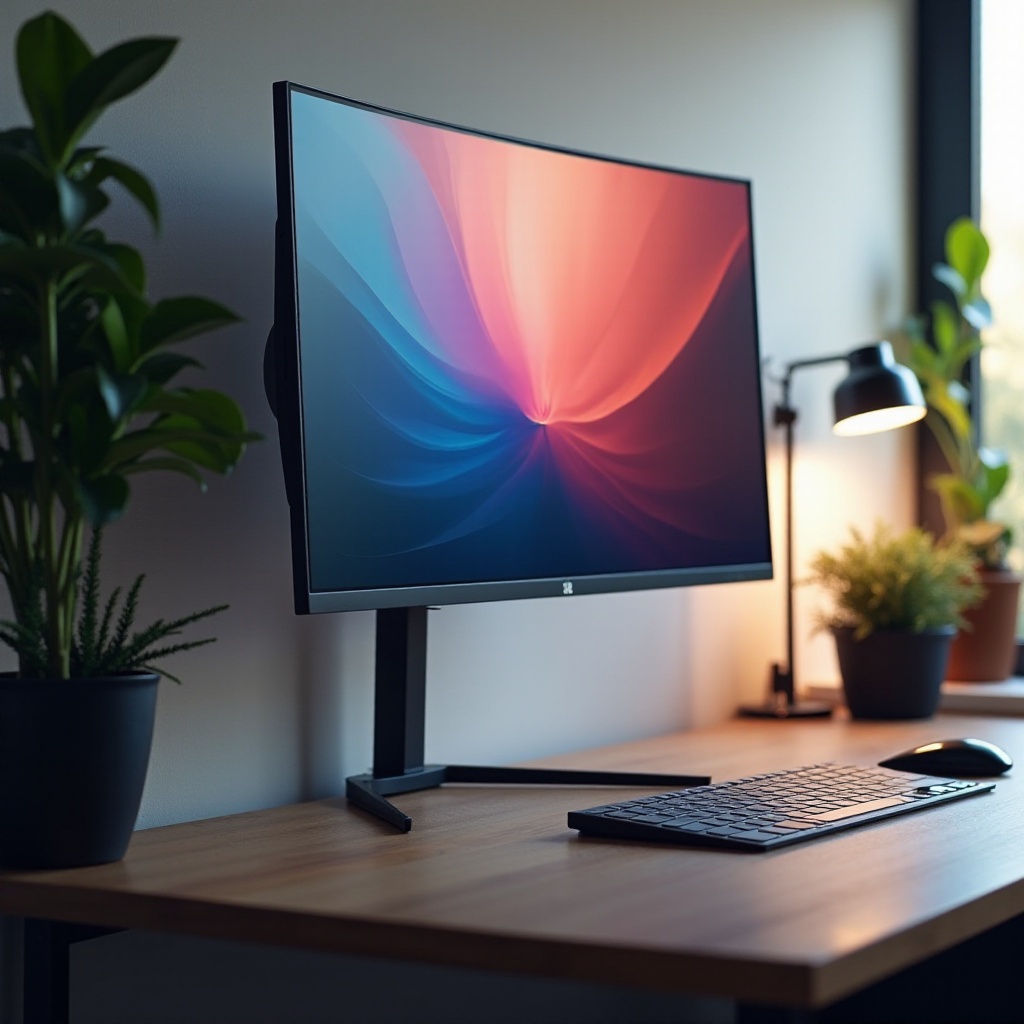
Why Choose a Wall Mountable Monitor?
Wall mountable monitors are favored for their numerous benefits, appealing to both home and office users. Mounting a monitor on the wall saves desk space, creating a cleaner and more efficient workspace. This not only reduces clutter but allows users to position a monitor at the perfect height and angle, lessening neck and eye strain.
Space-Saving and Ergonomic Benefits
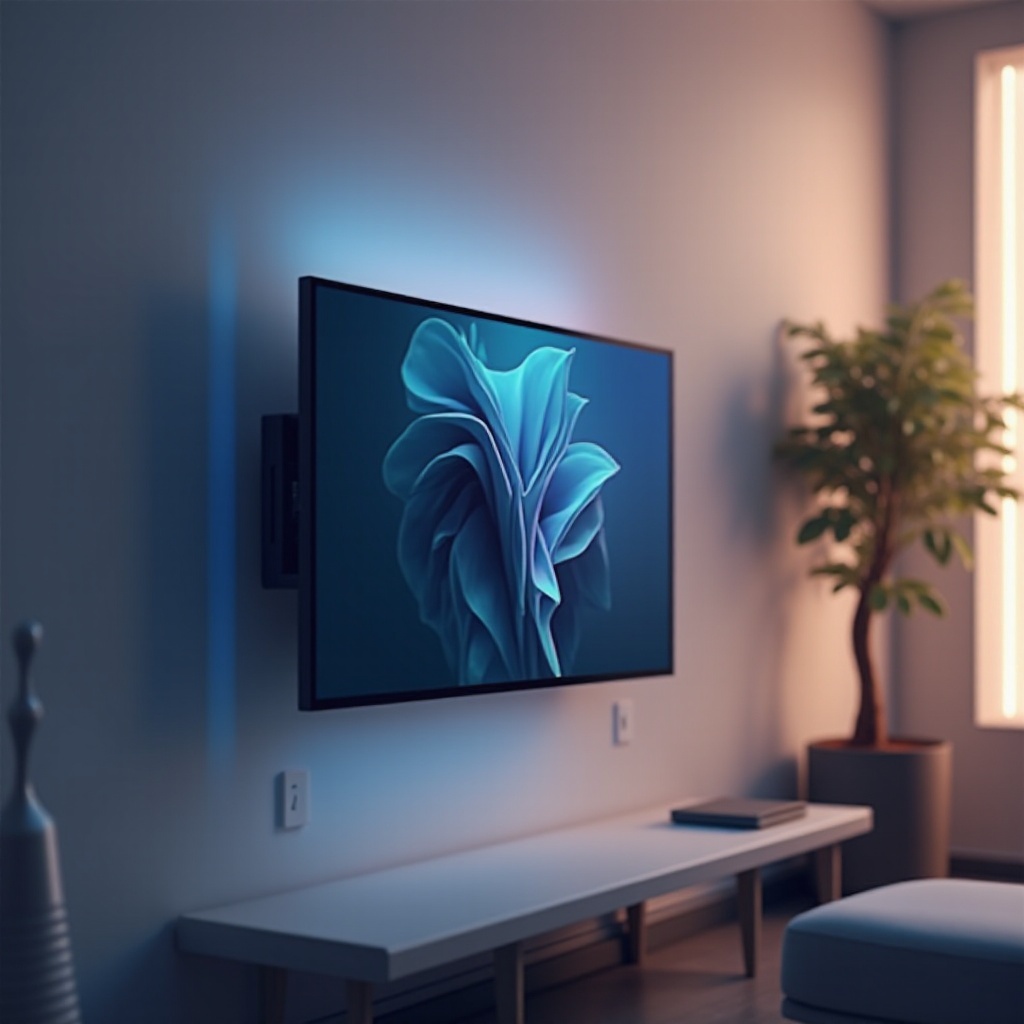
By eliminating the need for a traditional monitor stand, wall-mounted setups free up desk surfaces for other uses or simply help maintain tidiness. Ergonomically, these monitors allow for greater adjustment of screen height and angles, reducing musculoskeletal issues and improving comfort during extended work periods.
Aesthetic Appeal and Enhanced Viewing Experience
Beyond practicality, wall-mounted monitors offer a sleek and modern appearance. They tidy up cable management and eliminate bulky stands, contributing to a minimalist, professional space. Also, a mounted monitor offers optimal viewing angles, especially useful for gaming or multimedia use, enhancing the overall experience.
Key Features to Look for in 2024 Models
Selecting a wall mountable monitor involves considering features that ensure performance and value. Knowing what to look for helps purchase a monitor that fits specific needs and prepares your workspace for future demands.
Display Size and Resolution
Monitors vary in size and resolution, with choices dependent on usage needs. Larger screens, such as those 27 inches and above with high resolutions like 4K, are ideal for multitasking or graphic-intensive tasks, providing sharp images and ample workspace.
Connectivity Options and Compatibility
Having multiple connectivity options like HDMI, DisplayPort, and USB-C ensures compatibility with various devices including laptops, desktops, and gaming consoles. Monitors featuring built-in speakers or USB hubs further reduce desktop clutter and enhance convenience.
Adjustability and Mount Versatility
A wall mountable monitor should ideally support VESA mount standards to ensure broad compatibility with third-party mounting solutions. Look for monitors that offer tilt, swivel, and pivot adjustments to maximize comfort and flexibility.
Top 5 Wall Mountable Monitors of 2024
Here are the top wall mountable monitors for 2024, selected based on features, user feedback, and overall value:
Monitor 1: Overview, Key Features, Pros, and Cons
- Overview: This model provides exceptional image quality and robust build.
- Key Features: 32-inch screen, 4K resolution, HDMI and DisplayPort.
- Pros: Excellent color accuracy, solid construction.
- Cons: Higher price point.
Monitor 2: Overview, Key Features, Pros, and Cons
- Overview: Best for professional use, packed with advanced features.
- Key Features: 27-inch IPS display, USB-C connectivity.
- Pros: High refresh rate, ergonomic adjustability.
- Cons: Limited availability.
Monitor 3: Overview, Key Features, Pros, and Cons
- Overview: Perfect for gaming and content creation with its immersive experience.
- Key Features: 34-inch curved screen, ultra-wide QHD resolution.
- Pros: Enhanced field of view, vibrant picture quality.
- Cons: Requires ample wall space.
Monitor 4: Overview, Key Features, Pros, and Cons
- Overview: A budget-friendly option that doesn’t skimp on core functionalities.
- Key Features: 24-inch LED screen, multiple port options.
- Pros: Affordable, easy to install.
- Cons: Lacks more advanced features.
Monitor 5: Overview, Key Features, Pros, and Cons
- Overview: Balances performance with energy efficiency, ideal for eco-conscious users.
- Key Features: 28-inch FHD display, energy-saving mode.
- Pros: Low power consumption, sleek design.
- Cons: Lower resolution compared to other models.
Installing Your Wall Mountable Monitor
Proper installation is key to getting the most from your wall mountable monitor. Follow these steps to ensure a smooth setup:
-
Gather Necessary Tools: Drill, screwdriver, level, and wall anchors suitable for your wall type.
-
Find a Suitable Location: Ensure the wall can support the monitor’s weight.
-
Follow Manufacturer Instructions: Each model may have specific installation guidelines.
-
Ensure Safety: Double check fixtures are secure to prevent accidents.
Conclusion
Investing in a wall mountable monitor can transform workspace efficiency and style. Carefully consider the features and models that best meet your needs to enjoy the many benefits such setups offer. From sleek aesthetics to ergonomic advantages, opting for a wall-mounted setup is highly advantageous.
Frequently Asked Questions
Can all monitors be wall mounted?
Not all monitors are designed for wall mounting. For a monitor to be wall-mountable, it should be VESA compatible, which ensures it can be attached to standardized mounts.
What is VESA compatibility, and why is it important?
VESA compatibility refers to a standardized mount pattern used for attaching monitors to wall mounts and stands. It’s crucial for fitting standard mounting equipment.
How do I choose the right mount for my monitor?
Consider the monitor’s size and weight to ensure the mount can support it. Decide on the adjustability features you need, such as tilting and swiveling, for optimal viewing.